
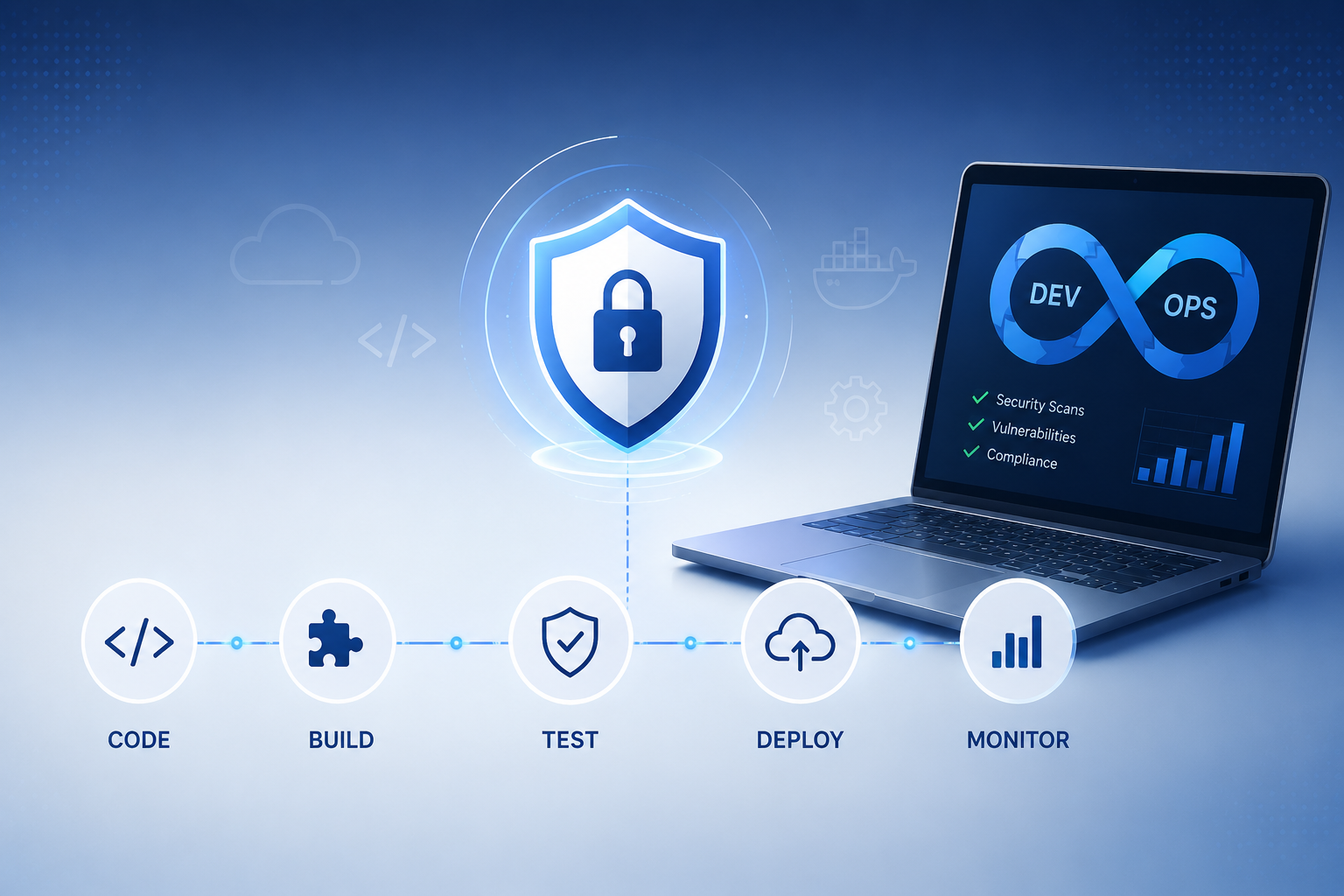
Security bolted on at the end of development is too slow, too expensive, and too late. DevSecOps best practices solve this by embedding security at every stage of the software development lifecycle — making security everyone’s responsibility rather than a gatekeeper at the finish line. In this guide, we walk through exactly how to implement DevSecOps in your organization: the principles, the tools, the pipeline integration points, and the DevSecOps best practices that high-performing engineering teams use to ship secure software fast. Whether you are starting your DevSecOps implementation journey from scratch or maturing an existing program, this guide covers everything you need.
What Is DevSecOps? (And Why DevSecOps Best Practices Matter)
DevSecOps is the integration of security practices into DevOps workflows — shifting security left so vulnerabilities are found and fixed during development rather than after deployment. Traditional development models treated security as a final-stage audit: developers coded, operations deployed, and security reviewed — usually too late to make meaningful changes without costly rework. DevSecOps best practices eliminate this bottleneck by automating security checks throughout the CI/CD pipeline and empowering developers with the tools and training to write secure code from the start. According to Gartner’s application security research, organizations that follow DevSecOps best practices reduce security-related defects by up to 85% compared to traditional models.
Core DevSecOps Best Practices: The Shift-Left Security Model
The foundation of all DevSecOps best practices is the shift-left principle: the earlier in the development lifecycle you catch a vulnerability, the cheaper and faster it is to fix. Studies consistently show that a bug fixed in development costs 10x less than one fixed in testing, and 100x less than one fixed in production. Here is how DevSecOps implementation applies shift-left across the SDLC:
| SDLC Phase | DevSecOps Practice | Tools (Examples) | What It Catches |
| Design | Threat modeling | STRIDE, OWASP Threat Dragon | Architectural flaws |
| Code | SAST (Static Analysis) | Checkmarx, SonarQube, Semgrep | Injection, XSS, hardcoded secrets |
| Build | SCA (Dependency Scan) | Snyk, OWASP Dependency-Check | Vulnerable open-source components |
| Test | DAST (Dynamic Testing) | OWASP ZAP, Burp Suite | Runtime & configuration issues |
| Deploy | Container/IaC Scanning | Trivy, Checkov, Terrascan | Misconfigurations, CVEs in images |
| Operate | Runtime Protection (RASP) | Sqreen, Datadog ASM | Live attack detection & blocking |
DevSecOps Implementation Step-by-Step
Step 1: Build a DevSecOps Culture Before Buying Tools
The most common DevSecOps implementation mistake is purchasing security tools before addressing culture. DevSecOps best practices require developers to own security outcomes — which means security teams must act as enablers rather than gatekeepers. Start by running security champions programs: identify enthusiastic developers in each team, train them in DevSecOps best practices, and empower them to drive adoption from within. OWASP’s Developer Guide is an excellent free resource for building developer security competency.
Step 2: Integrate SAST into Your IDE and CI Pipeline
Static Application Security Testing (SAST) is the cornerstone of DevSecOps best practices for the code phase. In a mature DevSecOps implementation, SAST runs at two points: in the developer’s IDE (providing real-time feedback as code is written) and automatically in the CI pipeline on every commit. Configure your SAST tool to fail builds on high-severity findings, ensuring that vulnerabilities detected through application security testing cannot progress to later pipeline stages without explicit sign-off.
Step 3: Automate Dependency and Container Scanning
Software Composition Analysis (SCA) addresses one of the most overlooked DevSecOps best practices: tracking the security of every open-source package and container image your application depends on. Tools like Snyk and OWASP Dependency-Check integrate directly into your CI/CD pipeline services, automatically blocking deployments that introduce newly disclosed vulnerabilities. Container scanning with tools like Trivy ensures that your Docker images are free from known CVEs before they reach production — a critical component of DevSecOps implementation in cloud-native environments.
Step 4: Implement Infrastructure as Code (IaC) Security Scanning
Cloud misconfigurations are now one of the top causes of breaches. DevSecOps best practices require scanning Infrastructure as Code (Terraform, CloudFormation, Kubernetes manifests) for security issues before provisioning. Tools like Checkov and Terrascan catch exposed storage buckets, overly permissive IAM roles, and unencrypted databases in your IaC templates — integrating cleanly into CI/CD pipeline services for automated gate enforcement. This is a rapidly growing area of DevSecOps implementation as organizations move toward cloud-native architectures.
Step 5: Embed DAST in Your Staging Environment
Dynamic Application Security Testing (DAST) complements SAST by attacking your running application the way real attackers do. DevSecOps best practices recommend integrating DAST tools like OWASP ZAP into your staging pipeline, running automated scans on every release candidate. DAST through application security testing catches runtime vulnerabilities that static analysis misses — authentication flaws, insecure session handling, and server misconfigurations. For APIs, include DAST coverage in your DevSecOps implementation to address the growing API attack surface.
Step 6: Implement Secrets Management
Hardcoded API keys, database passwords, and cloud credentials in source code are a persistent DevSecOps best practices failure. Implement secrets scanning (using tools like GitLeaks or TruffleHog) as a pre-commit hook and CI gate. More importantly, adopt a dedicated secrets management solution — HashiCorp Vault, AWS Secrets Manager, or Azure Key Vault — to replace all hardcoded secrets. This single DevSecOps implementation step eliminates one of the most common breach vectors in cloud environments.
Step 7: Define Security Gates and Metrics
A DevSecOps implementation without measurable outcomes is a program without accountability. DevSecOps best practices require defining security gates — specific criteria that must pass before code progresses through pipeline stages — and tracking key metrics: mean time to remediate (MTTR) vulnerabilities, percentage of builds passing security gates, number of critical vulnerabilities in production. These metrics make DevSecOps outcomes visible to leadership and drive continuous improvement. For benchmarks, the DORA State of DevOps Report includes security metrics alongside classic DevOps performance indicators.
DevSecOps Tools: Building Your Toolkit
| Category | Tool Options | Pipeline Stage | DevSecOps Practice |
| SAST | Checkmarx, SonarQube, Semgrep | Code / Build | Static code analysis |
| SCA | Snyk, OWASP Dep-Check, Mend | Build | Dependency scanning |
| DAST | OWASP ZAP, Burp Suite Pro | Test / Staging | Dynamic app testing |
| Secrets Scanning | GitLeaks, TruffleHog, Vault | Pre-commit / CI | Secrets management |
| Container Scanning | Trivy, Grype, Snyk Container | Build / Deploy | Image security |
| IaC Scanning | Checkov, Terrascan, tfsec | Deploy | Cloud misconfiguration |
| RASP | Sqreen, Datadog ASM, Contrast | Operate | Runtime protection |
When to Engage DevSecOps Services
Not every organization has the in-house expertise to design and implement a mature DevSecOps implementation from scratch. DevSecOps services from experienced security partners accelerate your program by providing:
- • DevSecOps maturity assessments: Benchmarking your current CI/CD pipeline services and security practices against DevSecOps best practices
- • Pipeline architecture design: Building the toolchain and gate logic for your specific tech stack
- • Developer security training: Hands-on workshops embedding DevSecOps best practices into your engineering culture
- • Application security testing programs: Ongoing SAST, DAST, and penetration testing integrated into your release cycle
For a comprehensive view of DevSecOps services available to enterprise teams, Gartner’s DevSecOps market guide provides a vendor landscape and evaluation criteria.
DevSecOps Best Practices: Final Summary
DevSecOps best practices are not a one-time project — they are a continuous improvement journey. The organizations that succeed with DevSecOps implementation share common traits: executive support for security investment, developer communities that champion DevSecOps best practices, automated application security testing embedded in every CI/CD pipeline, and a culture where shipping secure code is as important as shipping fast code. Start small — even integrating a single SAST tool into your pipeline is a meaningful step toward DevSecOps best practices maturity. Build from there, measure your progress, and consider DevSecOps services when you need to accelerate. The goal is a development pipeline where security is invisible infrastructure — always present, never a blocker.