
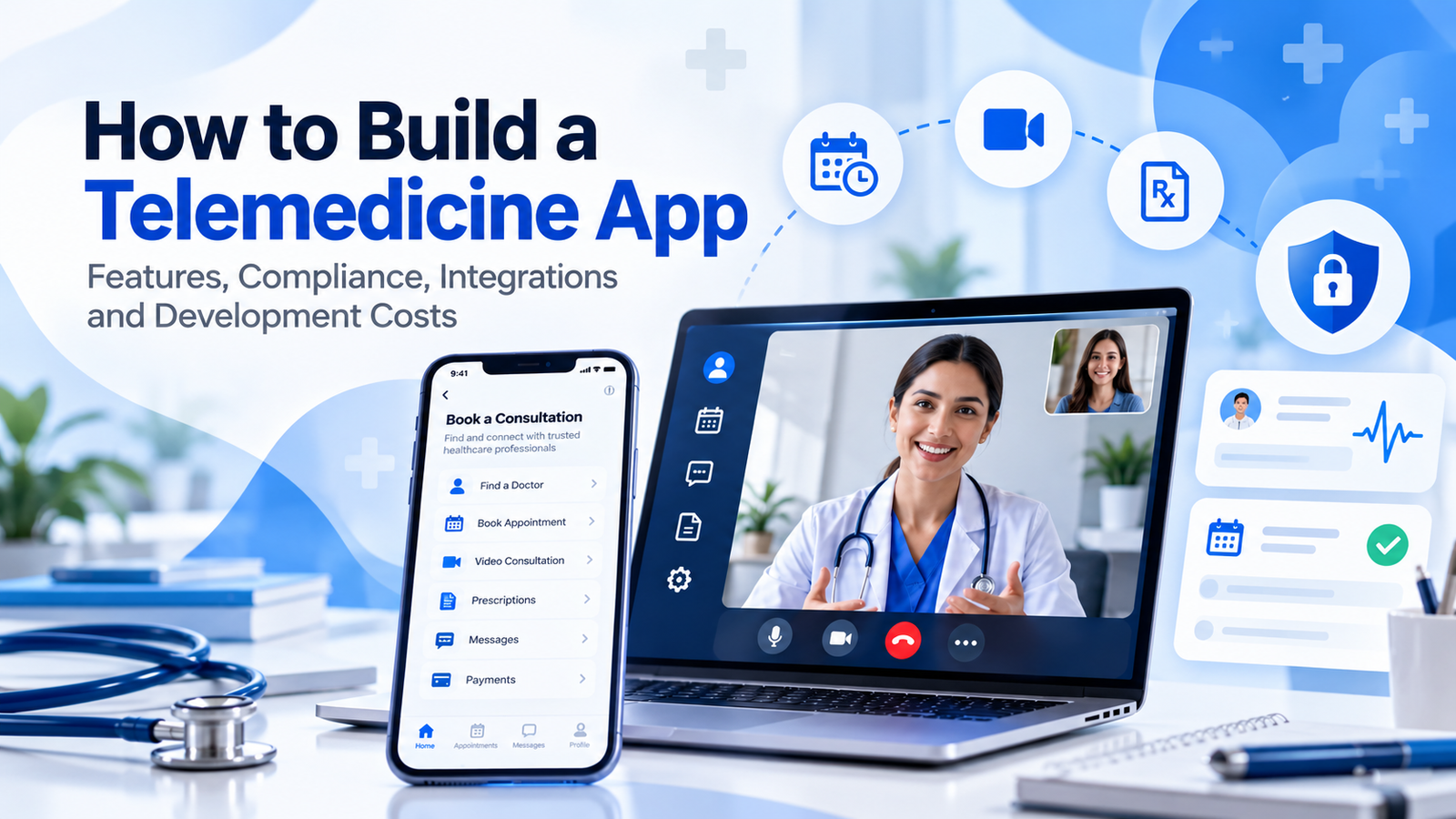
Introduction
Telemedicine has moved beyond being a temporary response to healthcare access challenges. For providers, clinics, hospitals, digital health startups, insurers, and specialist networks, virtual care is now a practical delivery channel that can sit alongside in-person services. That shift creates a substantial opportunity for organizations considering telemedicine software development, but it also creates a higher technical bar. A telemedicine app is not simply a video-call application with a booking screen. It must handle identities, appointments, clinical information, communications, payments, consent, security, integrations, and operational workflows without creating unnecessary friction for patients or clinicians.
The best way to approach a telemedicine product is to treat it as healthcare infrastructure rather than a consumer app. That means defining the clinical workflow first, deciding what information the platform will process, mapping regulatory obligations to architecture, and then selecting features that support the business model. This guide explains the major components involved in building a telemedicine app, the compliance considerations that can affect the design, the integrations worth planning for, and the cost factors that determine the final development budget.
What Is Telemedicine Software?
Telemedicine software enables healthcare services to be delivered remotely through digital channels. Depending on the use case, a platform may support video consultations, secure messaging, appointment scheduling, electronic forms, prescriptions, payments, remote monitoring, clinical documentation, patient education, or connections to electronic health record systems. Some platforms are patient-facing products, while others are internal systems used by clinicians and care teams.
For organizations planning a larger digital platform, telemedicine can be one component of a broader custom software development strategy. The architecture should therefore leave room for future integrations and additional workflows rather than optimizing only for the first release.
Why Telemedicine Apps Require More Than Standard App Development
Healthcare software has a different risk profile from a typical marketplace, social application, or booking product. A missed notification, incorrect patient association, insecure file transfer, or poorly controlled account can have consequences beyond lost revenue. The development process therefore has to consider clinical safety, privacy, availability, auditability, identity management, and regulatory obligations from the beginning.
The U.S. HIPAA Security Rule, for example, requires covered entities and business associates to implement appropriate administrative, physical, and technical safeguards for electronic protected health information. HHS also identifies access control, audit controls, authentication, integrity protections, and transmission security among the technical safeguards.
Read the HHS HIPAA Security Rule guidance before finalizing your security architecture.
Core Features of a Telemedicine App
1. Patient Registration and Identity Management
Registration should be simple for patients while giving the organization enough confidence that the correct person is accessing the correct record. Depending on the use case, this can include email or phone verification, multi-factor authentication, identity verification, consent capture, profile management, emergency contact information, and role-based access. Authentication should be designed around risk rather than convenience alone.
2. Appointment Scheduling
Scheduling is one of the highest-value workflows in telemedicine. Patients should be able to discover available providers, select appointment types, choose a time, receive confirmation, reschedule when permitted, and receive reminders. On the provider side, the calendar should account for working hours, appointment duration, buffers, holidays, provider specialization, and availability across locations or departments.
3. Video Consultation
Video is often the visible centerpiece of a telemedicine product, but it should be treated as one service within the wider clinical workflow. The consultation experience should support secure session creation, participant authentication, waiting rooms, connection recovery, device permissions, and appropriate session controls. Depending on the use case, screen sharing or document presentation may also be useful.
4. Secure Messaging and Notifications
Secure messaging allows patients and clinicians to communicate outside live appointments. Notifications can cover appointment confirmations, reminders, test results, follow-ups, payment events, and administrative requests. Avoid putting sensitive clinical information into ordinary push notification text unless the privacy model explicitly supports it.
5. Electronic Health Record and Clinical Data Integration
EHR integration becomes important when clinicians need relevant patient history without switching between disconnected systems. The exact integration approach depends on the target market, EHR vendor, data standards, and intended workflows. Build integration boundaries early so the application can exchange data without making the core product dependent on one vendor.
6. Digital Prescriptions and Clinical Documentation
Where legally and clinically appropriate, telemedicine platforms can support prescription workflows, consultation notes, diagnoses, care plans, referrals, and follow-up instructions. These functions should include clear authorship, timestamps, permissions, and audit history.
7. Payments and Billing
Private-pay telemedicine products may need payment collection, invoices, refunds, subscriptions, coupons, or insurance-related workflows. Payment architecture should minimize the amount of sensitive payment data stored by the application and use established payment providers where practical.
8. Admin and Provider Dashboards
Administrators need tools to manage providers, specialties, schedules, patients, permissions, content, billing, reports, and support cases. Providers need a focused workspace for their daily workflow. Good role-based design is critical because an administrator should not automatically receive the same access as a clinician, support agent, or patient.
HIPAA Compliance and Healthcare Data Security
HIPAA compliance should not be treated as a final certification step. The architecture, infrastructure, access model, logging strategy, vendor contracts, operational policies, and incident response process all affect the compliance posture. HHS states that the Security Rule is intended to protect the confidentiality, integrity, and availability of electronic protected health information.
- Role-based access controls and least-privilege permissions.
- Strong authentication, with multi-factor authentication where appropriate.
- Encryption in transit and at rest using well-managed cryptographic controls.
- Audit logging for sensitive actions and access to protected information.
- Secure backups, retention policies, and recovery testing.
- Vulnerability management, dependency updates, and penetration testing.
- Incident response procedures and documented security responsibilities.
- Vendor and business-associate assessment where third parties handle protected data.
For a broader look at healthcare-specific software risks, see Aventis Hub’s Healthcare Software Development: What You Need to Know Before Starting.
Other Compliance and Regulatory Considerations
HIPAA is not the only requirement that may matter. Depending on the countries and states served, the product may also need to account for privacy legislation, medical-device requirements, electronic prescribing rules, professional licensing, data residency, accessibility, consent requirements, and healthcare-specific reimbursement rules. A product that will operate internationally should map obligations by market instead of assuming one compliance framework covers everything.
Recommended Technical Architecture
A typical telemedicine platform can be structured around a web or mobile client, an API layer, application services, a relational database, secure object storage, a video communication provider, notification services, payment infrastructure, and monitoring. The exact stack can vary. What matters most is clear separation of sensitive data, strong identity controls, reliable integrations, and an architecture that can scale without turning every feature into a tightly coupled dependency.
Architecture choices should reflect workload characteristics. Aventis Hub’s guide to serverless versus containers explains why event-driven and highly stateful workloads may require different infrastructure approaches.
Likewise, microservices versus monolithic architecture is worth reviewing before deciding whether the product actually needs distributed services from day one.
Telemedicine Integrations to Plan For
- EHR and health information systems.
- Identity verification and patient onboarding services.
- Video and real-time communication infrastructure.
- Payment gateways and billing platforms.
- SMS, email, and push notification providers.
- Pharmacy and e-prescribing systems where permitted.
- Remote patient monitoring devices and APIs.
- Analytics, reporting, customer support, and CRM systems.
Integration planning is especially important because third-party systems often define what data is available, how quickly it can be retrieved, and what authentication or certification process is required. API boundaries should be documented during discovery rather than after the core application is already built.
How Much Does It Cost to Build a Telemedicine App?
There is no single telemedicine app development price because scope varies dramatically. A focused MVP with authentication, provider profiles, scheduling, video consultations, basic messaging, and administration is fundamentally different from a multi-region healthcare platform with EHR interoperability, insurance workflows, remote monitoring, AI features, and enterprise compliance requirements.
- Discovery and clinical workflow mapping: requirements, user journeys, compliance analysis, and architecture.
- UX/UI design: patient, provider, and administrator experiences.
- Frontend and mobile development: responsive web, iOS, Android, or cross-platform clients.
- Backend development: APIs, business rules, authentication, scheduling, data models, and integrations.
- Security and compliance: logging, encryption, access control, testing, documentation, and operational controls.
- Third-party services: video, messaging, payments, identity verification, EHR connections, and infrastructure.
- Quality assurance: functional, integration, performance, security, and user acceptance testing.
- Cloud operations: deployment, monitoring, backups, scaling, and ongoing maintenance.
For a broader 2026 budgeting framework, see Aventis Hub’s custom software development cost breakdown.
A Practical Telemedicine Development Roadmap
- Define the clinical and business use case. Identify who uses the platform, what problem it solves, and what must happen during a typical care journey.
- Map regulatory and security requirements. Identify the markets, data types, vendors, and compliance obligations before choosing infrastructure.
- Design the MVP. Prioritize the smallest feature set that supports a complete patient-to-provider workflow.
- Create UX and technical architecture. Validate patient and provider flows before development begins.
- Build integrations early. Prove the highest-risk third-party dependencies before the project is too far along.
- Develop and test incrementally. Use automated testing, code review, security testing, and staged releases.
- Run clinical and operational validation. Test with representative users and realistic workflows.
- Launch with monitoring and support. Track uptime, errors, user drop-off, support requests, and security events.
- Iterate based on evidence. Add remote monitoring, AI, analytics, additional integrations, or new markets only when they support a validated business need.
Common Mistakes to Avoid
- Treating video calling as the entire product instead of designing the full care workflow.
- Leaving compliance and security decisions until after development.
- Building too many features before validating the core patient and provider journey.
- Hard-coding one EHR or vendor integration into the entire application.
- Giving every user broad access to clinical data.
- Underestimating QA, security testing, and post-launch support.
- Ignoring accessibility and mobile usability.
- Choosing architecture based on trends instead of actual workload and team capability.
Conclusion
Building a telemedicine app successfully requires a combination of healthcare workflow knowledge, software engineering, security, integration expertise, and product discipline. The strongest platforms are not necessarily the ones with the longest feature lists. They are the ones that make care delivery easier while protecting patient information, supporting clinicians, and giving operators enough visibility to run the service reliably.
If you are evaluating a telemedicine product, start with the clinical workflow and compliance model, then work backward into features and technology. Aventis Hub helps organizations design and build custom digital platforms with scalable architecture, AI capabilities, cloud infrastructure, and application development expertise.
Frequently Asked Questions
How long does it take to build a telemedicine app?
A focused MVP can often be planned and developed in a few months, while a production platform with complex integrations, compliance controls, and mobile applications can take considerably longer. Scope, integration complexity, testing, and regulatory requirements are the biggest variables.
What is the most important telemedicine app feature?
There is no universal answer, but the core workflow usually includes secure authentication, scheduling, a reliable consultation experience, clinical documentation, notifications, and appropriate patient data access.
Does a telemedicine app need to be HIPAA compliant?
If the product is operated in a context covered by HIPAA and handles protected health information as a covered entity or business associate, HIPAA requirements may apply. The exact obligations should be assessed for the business model and jurisdictions involved.
Can a telemedicine app integrate with an EHR?
Yes. EHR integration is a common requirement, but the available interfaces, standards, certification requirements, and data permissions vary by vendor and market.
How can telemedicine software development costs be reduced?
Define a narrow MVP, validate high-risk integrations early, reuse proven infrastructure where appropriate, avoid unnecessary custom features, and treat security and QA as planned work rather than emergency fixes.